· Starting a Restaurant · 9 min read
Restaurant Online Presence Setup: Yelp, Google, and Everything Else Before You Open
Your restaurant's online presence should be configured and active before you open the doors — this is the complete pre-launch setup guide for every platform that matters.
When someone hears about your restaurant for the first time, the second thing they do is search for it online. If they cannot find it, if the information is wrong, or if there are no photos to look at, you have lost a customer before they walked through the door. According to Yelp for Business, 71 percent of consumers always or regularly read online reviews before visiting a restaurant. That statistic is not a warning — it is an operational instruction. Your digital presence is not optional, and getting it right before opening is far easier than correcting it after.
This guide covers the complete pre-opening digital setup: the platforms to configure, the information to standardize, the photos to prepare, and the ongoing management habits that determine whether your online presence works for you or against you.
The Foundation: NAP Consistency
Before touching any individual platform, establish one canonical set of business information that will be used everywhere. The restaurant industry calls this NAP — Name, Address, Phone number — and NAP consistency is the single most important technical factor in local search visibility.
According to Yelp for Business’s business setup guide, consistent NAP information across all online directories improves search engine trust signals. Search algorithms use NAP consistency as a signal of business legitimacy. When your business name appears as “The Blue Door Bistro” on Google, “Blue Door Bistro” on Yelp, and “Blue Door” on Facebook, the algorithm treats these as potentially different businesses and reduces your ranking confidence.
Decide on your exact legal business name as it will appear publicly, your exact address format (including suite or unit numbers), and your primary phone number. Write these down. Use exactly this format on every platform, every time.
Google Business Profile
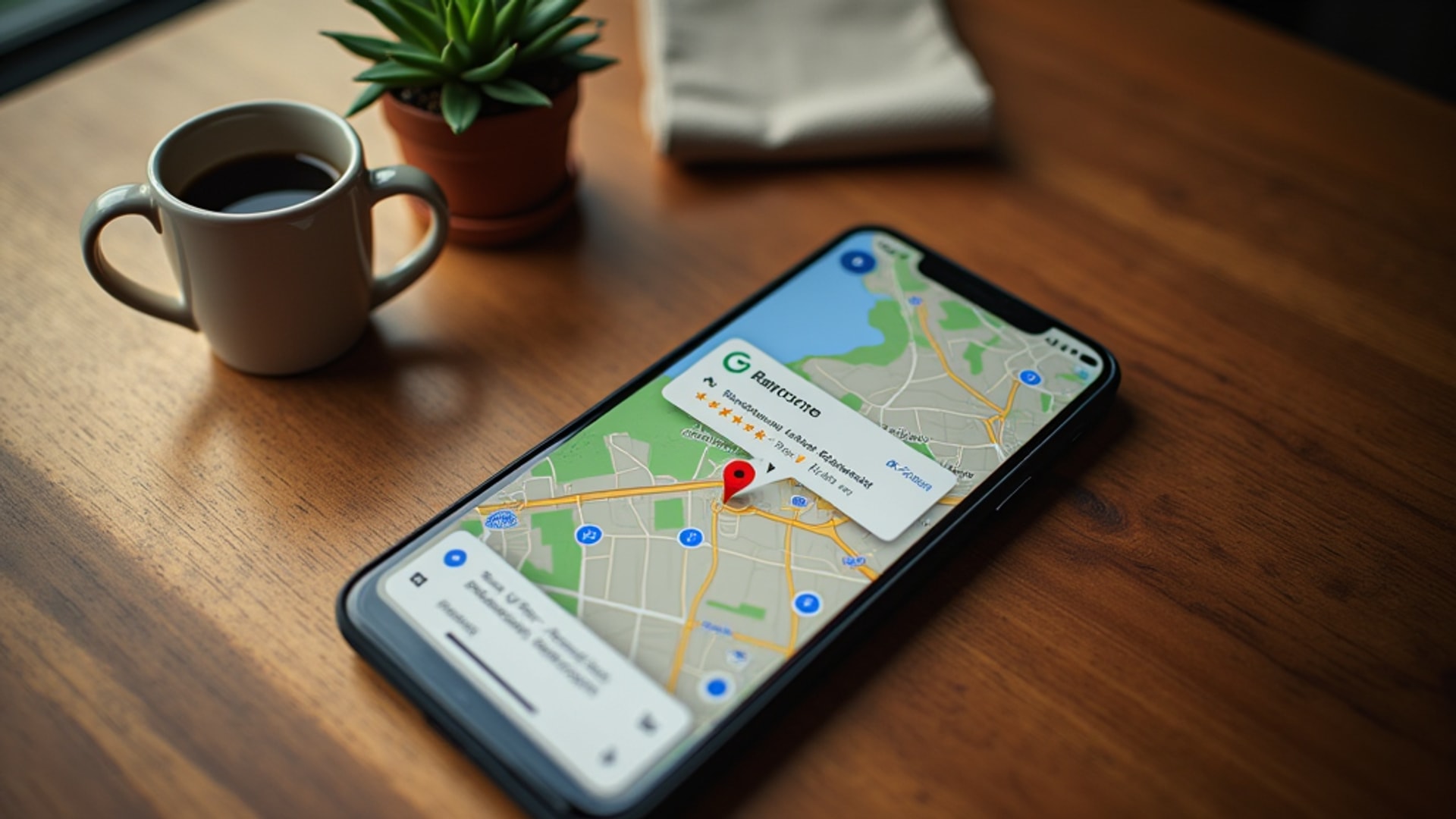
Google Business Profile (formerly Google My Business) is the most important local business listing in existence. It controls how your restaurant appears in Google Search results, Google Maps, and the “knowledge panel” sidebar that appears when someone searches for your name directly. According to the Hospitality Institute’s site selection analysis, local search visibility is a primary driver of how new customers discover nearby dining options.
Setting up the profile
Go to business.google.com and claim your business. If your restaurant is new, you will likely need to create a new listing rather than claim an existing one. Verification typically requires receiving a postcard at your business address with a confirmation code, though phone or email verification is available for some businesses.
Complete every section of the profile:
- Business name (exact NAP format)
- Primary and secondary category (select “Restaurant” as primary, then add a cuisine-specific category)
- Service area or address
- Phone number
- Website URL
- Hours of operation (including holiday hours when applicable)
- Business description (750 characters maximum — use this to describe your concept, cuisine type, and what makes you different)
Photos on Google Business Profile
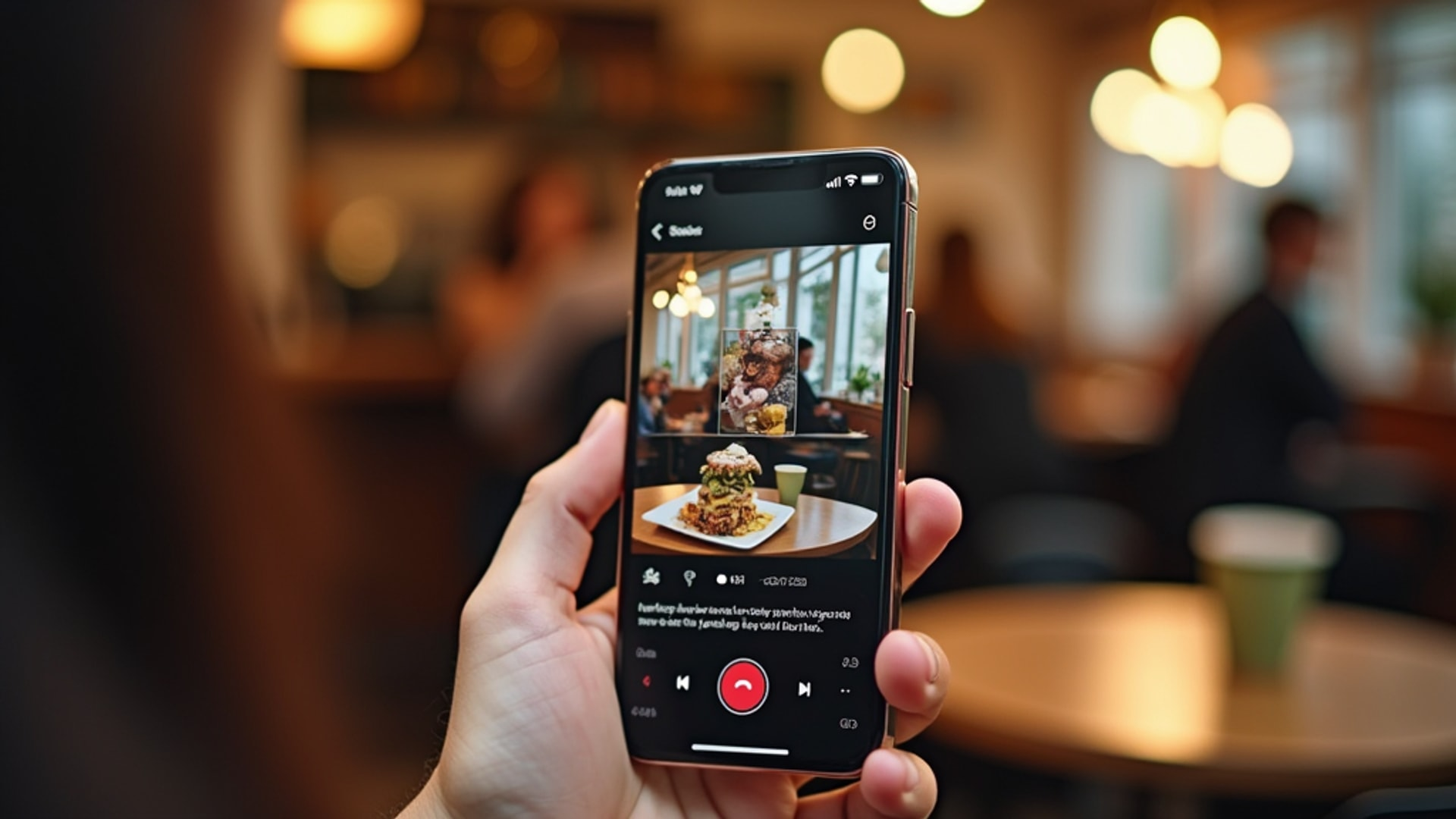
Photo quality significantly affects engagement. Yelp for Business notes that professional or near-professional photos of signature dishes, the dining room atmosphere, the bar area, and exterior signage create visual appeal that differentiates a listing from competitors with lower-quality or missing imagery.
At minimum, upload before opening:
- Exterior photo (daytime, shows entrance and signage clearly)
- Interior photos showing atmosphere and seating
- Kitchen or food preparation area (optional but effective for transparency-forward brands)
- Menu photos showing signature dishes — these should be professionally lit
- Team or staff photos if brand personality is a selling point
Google also allows customers to upload photos, which you cannot control. Managing the narrative with strong official photos ensures that the first images most people see are the ones you chose.
Google Business Profile posts
The Posts feature allows you to publish updates directly to your Google listing — comparable to a social media post but embedded in your search result. Use it before opening for countdown announcements and on opening day for a launch announcement.
Yelp for Business
Yelp remains the dominant restaurant review platform in most US markets. Its review trust signals carry significant weight in consumer dining decisions, and its search algorithm surfaces highly reviewed restaurants prominently in local searches.
Yelp for Business’s setup guide recommends submitting your listing up to one month before your scheduled opening date. This timing creates visibility before opening day without creating confusion for customers who arrive to find doors locked. Submit at biz.yelp.com/claim.
Required information in the Yelp setup mirrors Google but with some additions:
- Business categories (Yelp has granular cuisine and service style categories — be specific)
- Price range (denoted by dollar signs, one to four)
- Features (outdoor seating, delivery, takeout, reservations, parking, WiFi)
- From the Business section allows you to write a description and highlight what makes you different
- Portfolio/photos section for food and ambiance images
The photo guidelines for Yelp parallel Google. Yelp’s internal data consistently shows that listings with professional food photos generate higher review rates and click-through rates than listings with no photos or low-quality images.
Review management strategy from day one
Yelp for Business’s guide is clear that active review management starts at opening, not months later. Monitor incoming reviews and respond to every one — positive and negative — within 24 to 48 hours. Positive reviews should receive genuine acknowledgment. Negative reviews require thoughtful, non-defensive responses that demonstrate willingness to address concerns.
The standard of a well-written response to a negative review: acknowledge the experience, apologize for the shortfall without excessive defensiveness, explain what change has been or will be made, and invite the customer to return. Do not argue facts in a public response. Even if the customer’s review contains inaccuracies, the public response should focus on resolution, not debate.
Facebook Business Page
Facebook’s role as a restaurant discovery platform has declined among younger demographics but remains significant for the 35-and-older audience. According to The Missing Ingredient’s persona research, the busy parent demographic (30 to 40 years old) responds to Facebook content and email newsletters. If this segment is part of your target customer profile, Facebook is not optional.
Create a Facebook Business Page (separate from a personal profile) with the same complete information as your Google and Yelp listings. Enable the relevant action buttons: Book Now (if using a reservation system with Facebook integration), Get Directions, Call Now, and Message. These reduce friction between discovery and action.
Facebook is also the platform for community event creation, which is valuable for pre-opening announcements, soft opening invitations, and grand opening promotion.
For most restaurant concepts targeting the 18-to-45 demographic, Instagram is the primary social media platform. Flowster’s marketing guide reports that 87 percent of consumers have visited a new restaurant based on finding it on social media, with Instagram being the dominant driver.
Instagram setup specifics:
- Use a Business Account (not a personal one) to access analytics and promotion tools
- Profile photo: your logo, clean and recognizable at small sizes
- Bio: concept summary, location, link to website or online ordering (consider using a link-in-bio tool like Linktree if you need multiple links)
- Highlights: create pre-opening highlight stories for “Our Story,” “Menu Preview,” and “Location”
Consistency of post cadence matters more than occasional high-quality posts. Three to five posts per week during the pre-opening period, combined with daily Stories, maintains algorithmic visibility and keeps the audience engaged.
Online Ordering and Reservation Platforms
Configure your ordering and reservation platforms as part of the pre-opening digital setup, not as an afterthought after opening.
For reservations, OpenTable and Resy are the dominant platforms. Both offer Google integration that allows customers to book directly from your Google Business Profile. Restolabs’ technology guide recommends selecting platforms that integrate with your POS system to avoid manual data entry and ensure accurate table management.
For delivery, configure DoorDash, Uber Eats, and Grubhub listings before opening day. Menu information, hours, and photos on delivery platforms should match your primary website and dine-in menu. Inconsistencies create customer confusion and damage brand trust. Delivery platform listing photos deserve the same investment as your primary platform photos — they are often the first visual exposure new customers have to your food.
Website Essentials
A restaurant website does not need to be elaborate, but it must accomplish several non-negotiable functions.
Mobile optimization is mandatory. The majority of restaurant searches happen on mobile devices. A website that is difficult to navigate on a phone fails at its primary job.
Core content: restaurant name and concept description, full menu with current pricing, hours of operation, address and neighborhood, phone number, online ordering link, reservation link or phone instructions, and contact email.
Menu on the website versus PDF: display menu as HTML text rather than a PDF file. HTML menus are indexable by search engines, accessible for screen readers, and editable without design software. PDFs are none of those things.
Yelp’s setup guide notes that menu information and hours of operation should be kept current to avoid customer frustration — the same principle applies to your website. A customer who drives across town based on incorrect hours information is a customer who will not forgive you and will write about it.
The Ongoing Maintenance Habit
Setting up all these platforms before opening is the beginning, not the completion. The most common failure mode in restaurant digital presence management is a strong setup followed by months of neglect.
Build a weekly 15-minute review habit into your operations schedule:
- Check Google and Yelp for new reviews and respond
- Verify that hours, contact information, and menu information are current on all platforms
- Post weekly on Instagram and Facebook
- Update Google Business Profile posts with any current promotions or events
- Check delivery platform performance (acceptance rate, average rating, menu accuracy)
→ Read more: Restaurant Website Conversion: Turn More Visitors into Paying Guests
→ Read more: Yelp Optimization for Restaurants: The Complete Profile and Review Strategy
A well-maintained online presence compounds over time. A restaurant with 200 thoughtful responses to reviews creates a very different impression than one with 200 reviews and no management responses. The engagement signal tells both the algorithm and potential customers that this is an active, attentive business — which is precisely what you want people to believe before they decide whether to visit.