· Design & Ambiance · 11 min read
Fast-Casual Counter Service Design: Queue Flow, Order Points, and Layout
The counter is the operational engine of fast-casual design — how you design the order point, queue flow, and pickup zone determines both throughput and the guest experience.
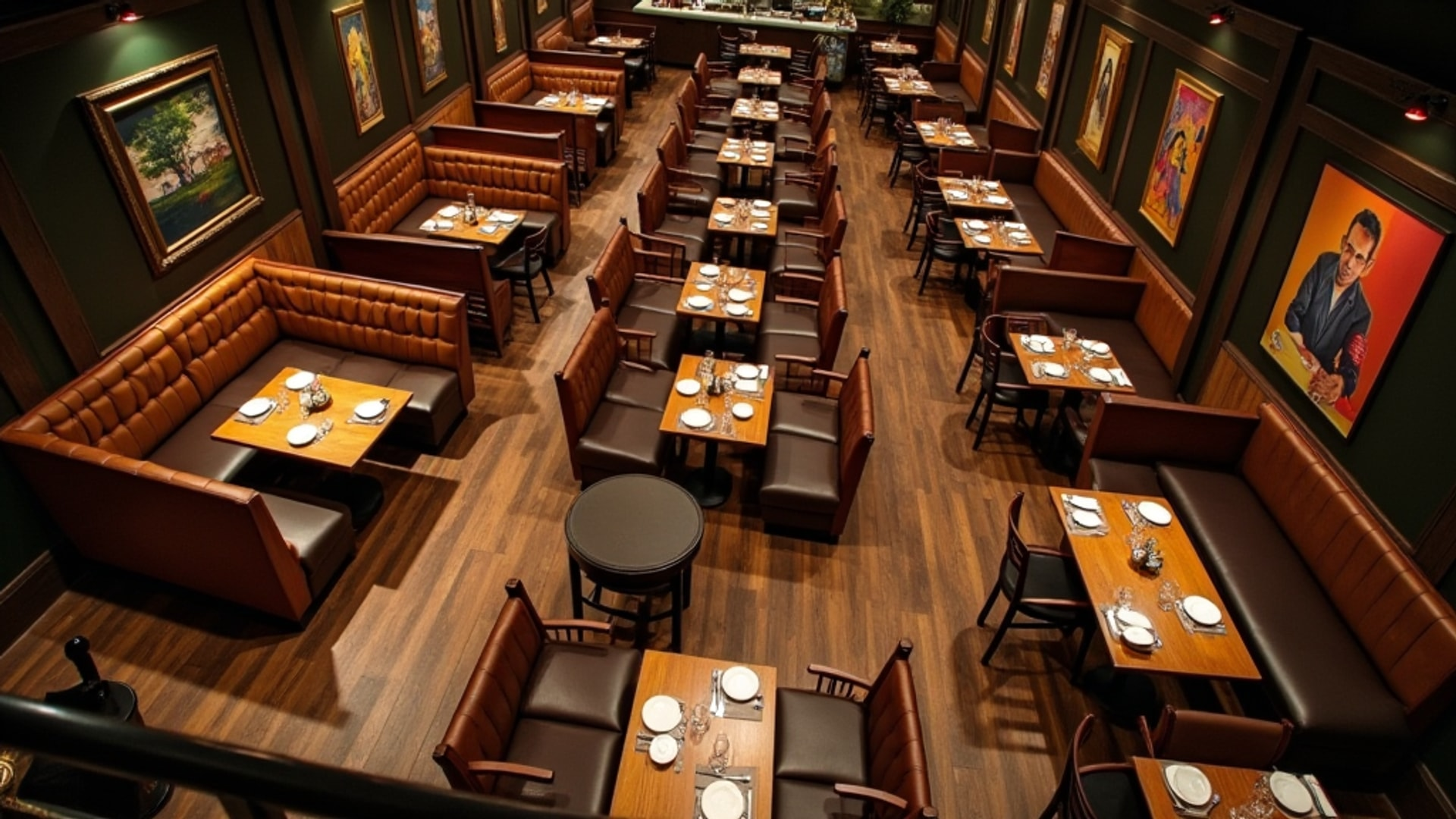
Fast-casual restaurants have grown into one of the most competitive segments in the industry because they found a specific gap: better food than quick-service, faster service than full-service, and a price point that works for regular dining. The design that enables this positioning is the counter service model — a service architecture that eliminates table staff while maintaining quality and atmosphere.
Getting counter design right is not simple. The counter must efficiently manage ordering, payment, and pickup for high volumes of guests moving at different speeds with different needs. Mistakes in counter design — undersized pickup areas, unclear queue flow, insufficient separation between ordering and pickup — create bottlenecks that frustrate guests and reduce throughput at exactly the moments when your operation needs to perform.
Toast’s analysis of fast-casual restaurant design puts it simply: the service counter is the operational heart where customers order, pay, and pick up food. The model eliminates table service staff while maintaining a quality dining experience, but it demands careful spatial design to manage customer flow from entry through ordering, waiting, pickup, and seating.
The Counter as Operational Architecture
The fast-casual counter is not simply a display surface — it is a designed traffic management system. Every design decision about counter shape, length, station placement, and the separation between functions determines how efficiently guests can move from arrival to seated meal.
The fundamental challenge is that multiple types of transactions happen at or near the counter simultaneously:
- Guests in line waiting to order
- Guests at the register actively placing orders
- Guests who have ordered and are waiting for food
- Guests picking up completed orders
- In many operations, delivery drivers picking up third-party orders
Failing to physically separate these flows creates the most common fast-casual design failure: the bottleneck where guests waiting for food block new guests from reaching the register, slowing the entire operation precisely when volume is highest.
Counter Shape and Configuration
Linear Layout
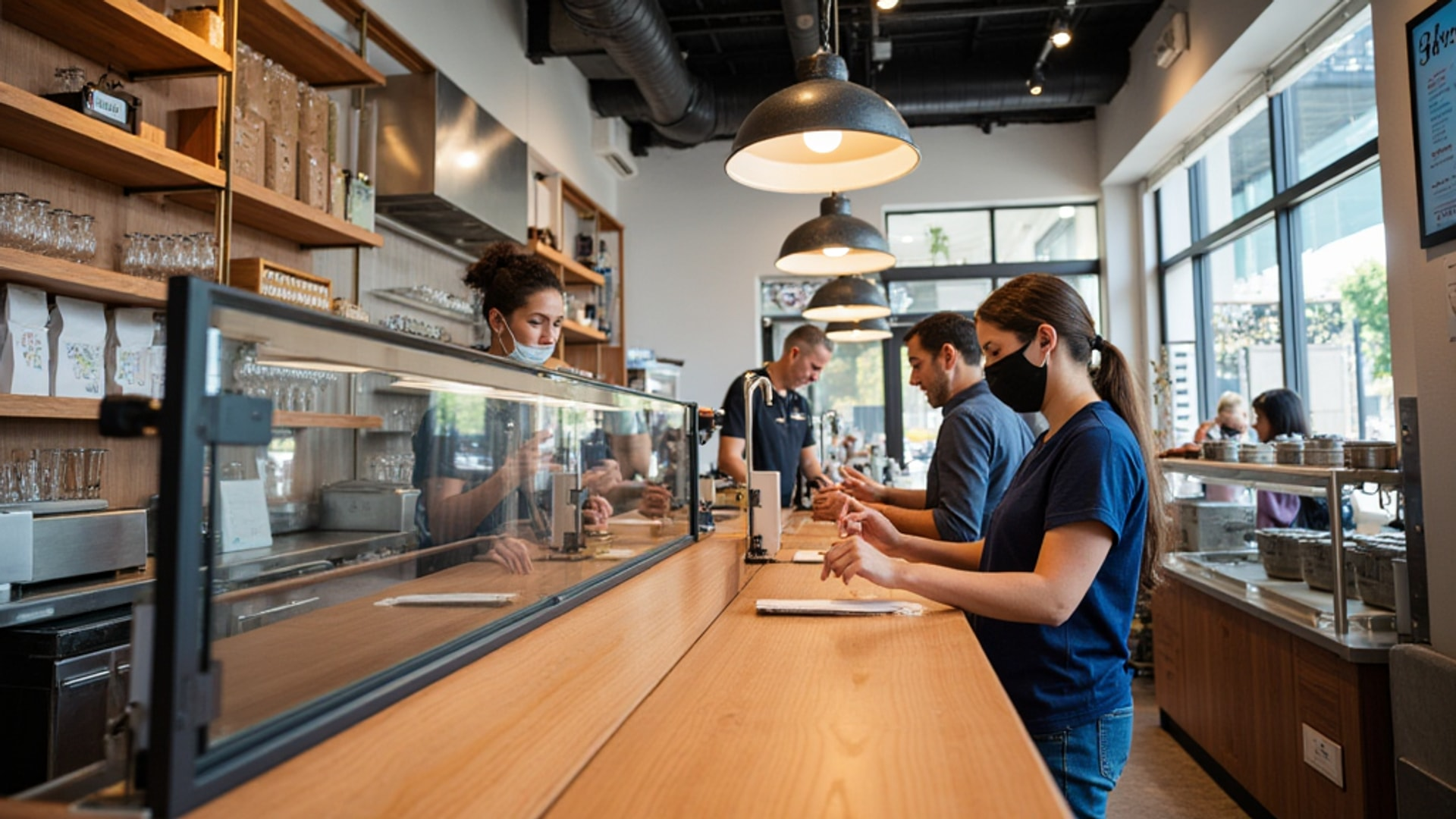
The linear layout is the classic fast-food configuration ideal for high-traffic locations. Guests join a line that moves along the counter as orders are placed and completed. The assembly-line flow is intuitive and efficient: guests see where to go, know what to do, and progress at a natural pace.
For concepts where the menu involves customization — build-your-own bowls, tacos, sandwiches — the linear assembly approach has a specific advantage: customers move along the counter while their order is built in front of them, creating both efficiency and transparency. This linear assembly approach combines efficiency with transparency. The customer can see exactly what is going into their meal, which reassures them about ingredients and portions and reduces complaint interactions.
U-Shaped Counter
U-shaped counters allow multiple customers to interact without overcrowding. By wrapping the counter, the U-shape creates multiple accessible points where staff can take orders or hand off food without the queue crowding a single linear channel.
This configuration works well in locations with square floor plans where a long linear counter would run against a wall rather than along a guest traffic path.
Separate Pickup Area
Regardless of counter shape, the most important structural decision is whether to separate the order/payment zone from the food pickup zone. Separate pickup areas prevent bottlenecks between ordering and food retrieval.
The separation can be physical — two distinct counter positions with a visible gap and different staffing — or functional, with the pickup side clearly distinguished through signage, design, or a separate dedicated counter. The principle is that a guest who has already ordered and is waiting for food should not need to stand in the same space as guests who are still ordering. When these two populations mix, the queue becomes unpredictable and frustrating.
For operations with significant mobile and app-order volume, a dedicated mobile pickup area is increasingly important. Mobile order guests who know exactly what they ordered and when it will be ready do not want to stand in the ordering queue to pick up — they want to go directly to the shelf or window where their bag is waiting.
Open Kitchen: The Trust Builder
An open kitchen visible behind the counter can improve customer satisfaction by nearly 20 percent. In fast-casual settings, kitchen visibility is a powerful design tool that operates on a simple psychological principle: guests who can see their food being prepared are more confident about its quality and freshness.
This transparency advantage is one reason fast-casual concepts like Chipotle and Shake Shack made visible preparation central to their design. The kitchen is not hidden — it is displayed as evidence of the concept’s standards.
Design considerations for open kitchen implementation:
Visual cleanliness: If the kitchen is visible to guests, it must be impeccably maintained at all times during service. The visual appeal of an open kitchen disappears instantly if guests see a disorganized or dirty prep area.
Staff behavior: Kitchen staff visible to guests have an added dimension of their role — they are part of the guest experience, not just production workers behind a wall. Uniforms, behavior, and demeanor in a visible kitchen reflect on the brand continuously.
Equipment selection: Equipment that looks as good as it performs is worth specifying for a visible kitchen. Stainless steel in good condition, organized storage, and clear sightlines into the preparation area reinforce quality messaging.
Glass panels between kitchen and counter allow visibility without sound transmission — guests see the kitchen without the noise and conversation of the prep area entering the dining room.
The Expo Station and Kitchen Pass Window
In full-service operations and in fast-casual concepts with table service elements, the pass window or expo station is the final checkpoint before food reaches the guest.
According to Foodservice Equipment and Supplies’ analysis of expo station design, pass-through counters are typically 48 inches tall with overshelves mounted 16 to 17 inches above. Heat lamps above the counter maintain food temperature while plates await pickup. Refrigeration under the counter stores garnishes, sauces, and cold components needed for finishing.
The expo station should ideally run the full length of the cook line so the expediter can reach any cook station within two to three steps, according to the same analysis. This positioning minimizes the expediter’s movement and keeps the handoff between kitchen and front-of-house as efficient as possible.
For fast-casual operations with a counter pickup model, the pass window functions differently than in full-service: rather than serving as a table-side handoff point, it marks the transition where completed orders move from kitchen to the pickup shelf or counter. The design consideration is the same: positioning that minimizes staff movement and keeps traffic flow clean between the kitchen team completing orders and the counter team staging them for pickup.
Digital Menu Boards: Function and Design
Digital menu boards have become standard in fast-casual counter service, and their design significantly affects both operational efficiency and brand perception.
Samsung VXT’s analysis of digital menu board design confirms that digital boards are more cost-effective than printed menus over time due to instant update capability. A menu change — price adjustment, item addition, 86 notification — happens in real time without reprinting and without staff swapping out physical boards.
The operational capabilities of digital boards in a counter service environment include:
Dayparting: Automatic transitions between breakfast, lunch, and dinner menus without staff intervention. Dayparting enables automatic menu changes between service periods. The breakfast menu disappears at 10:30 AM and the lunch menu appears — no manual change required.
Dynamic recommendations: AI-enhanced systems can display recommendations based on current kitchen preparation capacity, time of day, and promotional goals. Items that can be produced quickly during a rush — because ingredients are prepped and equipment is hot — can be highlighted to speed throughput.
86 notifications: Out-of-stock items can be immediately removed from display, eliminating the frustrating ordering experience of requesting an unavailable item and having the transaction interrupted.
Promotional boards: Countdown timers and seasonal graphics for limited-time offers create urgency and drive impulse purchases.
Menu Board Design Principles
The visual design of menu boards should align with the restaurant’s broader brand identity. For family-friendly casual restaurants, illustrated designs with hand-drawn food imagery create warmth and personality. Minimalist layouts with generous negative space communicate sophistication expected in upscale fast-casual settings. The board style should match the restaurant brand and feel like a natural design element.
Technical placement considerations include viewing distance, ambient light conditions, screen brightness, and mounting height. A menu board that cannot be read from the back of the ordering queue — either because the text is too small or because the screen is washed out by ambient light — creates exactly the ordering slowdowns that well-designed boards are meant to prevent. ADA requirements also apply: screens should be readable and navigable by all customers, including those in wheelchairs or with visual impairments.
Kiosk Integration
Self-order kiosks have become a significant element in fast-casual counter design, particularly for high-volume operations. Kiosks allow guests to order and pay without interacting with a cashier, which:
- Reduces peak labor requirements for order-taking
- Allows guests who want to customize extensively to do so at their own pace without creating queue pressure
- Increases average check size, as guests ordering on screens tend to accept upsell suggestions at higher rates than in-person transactions
- Moves order-taking off the main counter, freeing counter staff for food preparation and quality
The design integration of kiosks requires dedicated floor space near the entry with enough clearance for guests to use the screens without blocking the flow of other guests moving through the entry zone. Accessibility considerations require kiosk screen heights and interface design that work for wheelchair users.
Seating: Designing for Dwell Time
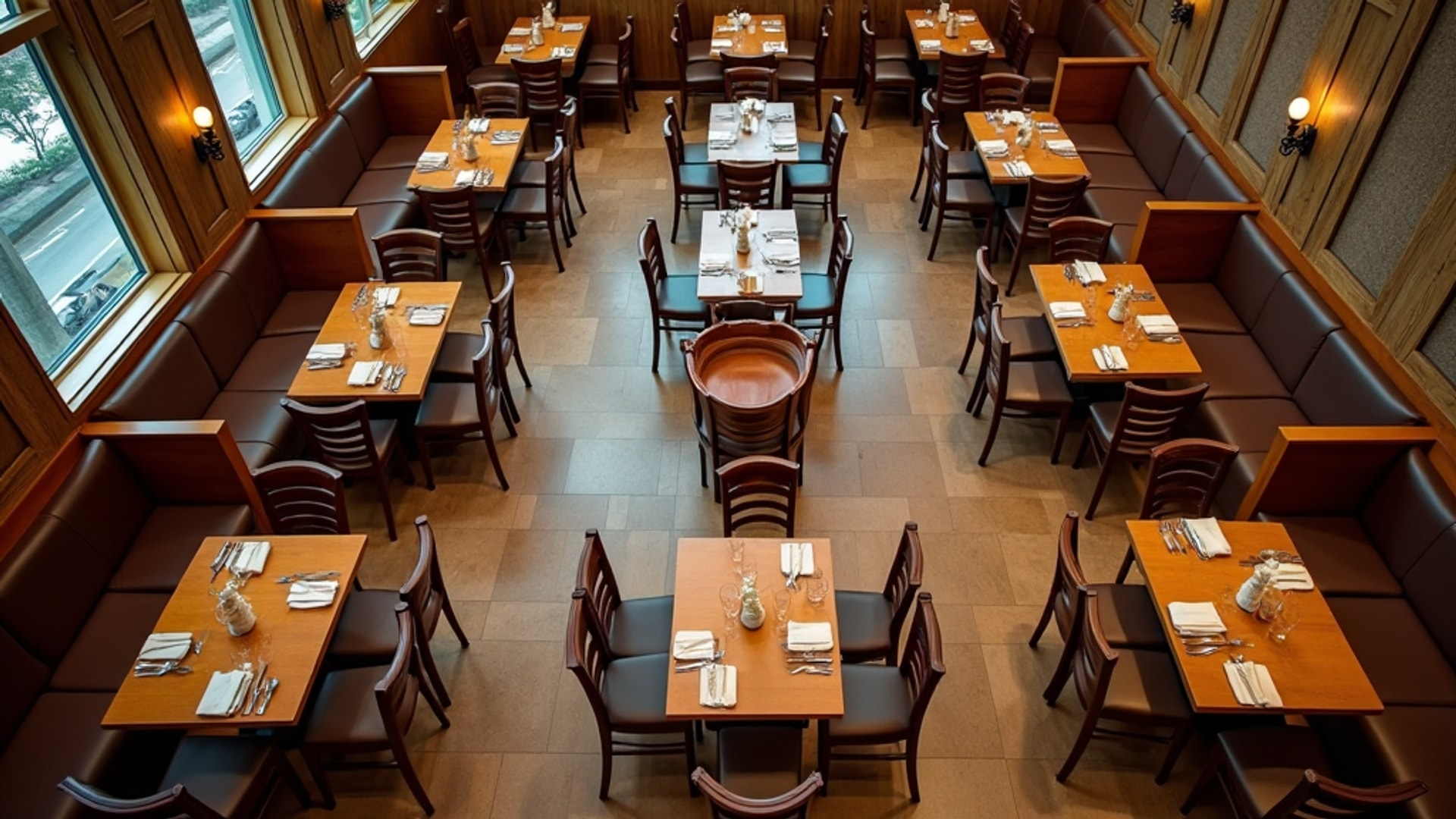
Fast-casual seating design should reflect the expected dining duration of the concept.
Counter-height seating with stools suits quick-service models with high turnover rates. The physical experience of sitting at a high counter stool communicates informality and speed — it is comfortable for 15 to 20 minutes, not an invitation to linger over a two-hour dinner.
Booth seating and communal tables create cozier environments for longer dining experiences. For concepts where the average visit is 30 to 45 minutes and repeat customers who want to work or catch up with friends are a significant segment, comfortable seating that encourages longer stays supports a different revenue model.
Communal tables maximize seating flexibility and create a social atmosphere while making efficient use of limited floor space. In urban fast-casual environments where floor space is expensive and the customer base includes many solo diners, communal tables allow efficient space use while creating an environment that feels full and social rather than sparse and transactional.
The Zoned Floor Plan
Zoned layouts designate separate areas for ordering, seating, pickup, and family spaces. A complete fast-casual floor plan typically includes:
Entry and queue zone: Designed to accommodate the maximum expected queue length without blocking the entry or spilling onto the sidewalk. This zone should be visually open to the menu boards so guests can decide before reaching the register.
Order and payment zone: The counter itself, staffed registers or kiosks, and the immediate area where transactions occur.
Waiting and pickup zone: Physically distinct from the ordering area, with a clear pickup shelf or window, name/number display system, and enough space for waiting guests without crowding the register area.
Dining area: Designed for the expected mix of quick solo diners, couples, and small groups, with a furniture mix that supports the concept’s target dwell time.
Family accommodation: Where applicable, a zone with appropriate seating and space for strollers and children maintains comfort for family guests without creating congestion in the main dining area.
The most critical design principle running through all of these zones is clarity. Guests in a fast-casual environment do not have a server guiding them — they are navigating the space independently. Every transition from queue to order to pickup to seat should be obvious from the guest’s position at the previous step, achieved through layout, sightlines, signage, and design cues rather than staff direction.
→ Read more: Restaurant Kitchen Layout Types
→ Read more: Seating Layout and Floor Plan