· Design & Ambiance · 8 min read
Restaurant Delivery and Pickup Area Design: Layout for Off-Premise Operations
Adding delivery and pickup to a dine-in restaurant requires dedicated space and workflow design — ignore it and both channels suffer.
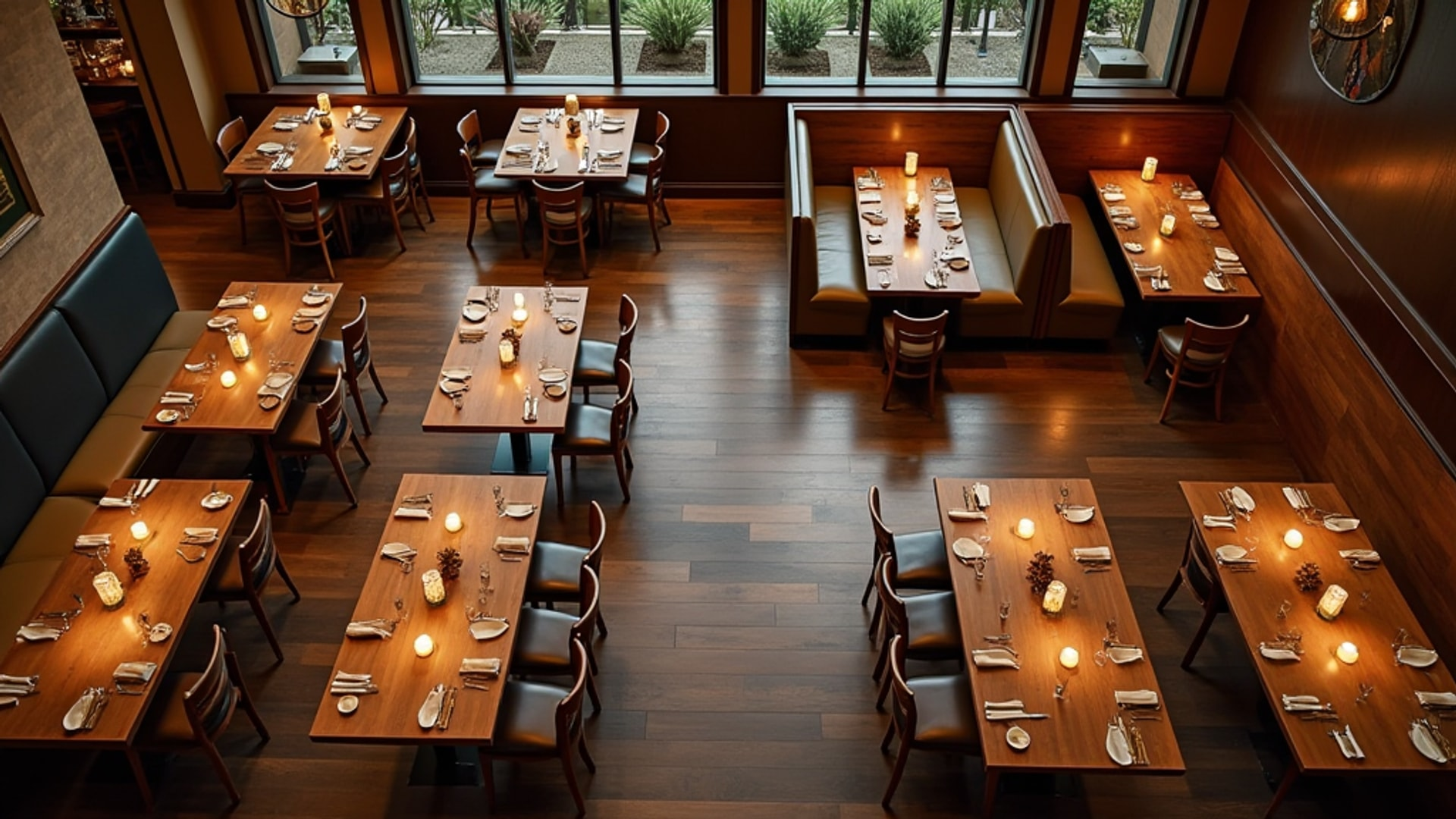
Delivery and pickup are no longer optional revenue channels for most restaurants — they are expected. But most restaurants were designed before off-premise dining reached its current scale, and the result is visible everywhere: delivery drivers crowding the host stand, pickup shelves squeezed beside the register, and kitchen staff trying to manage in-house tickets and third-party orders on the same line with no spatial separation. The outcome is degraded service in both channels.
Fixing this requires treating pickup and delivery not as operational workarounds but as designed systems with dedicated space, workflow, and technology integration.
Why Dedicated Space Is Non-Negotiable
The collision between dine-in and off-premise operations is not just an inconvenience — it is a revenue problem. Delivery drivers waiting at the host stand create a queue that deters walk-in guests. Pickup shelves positioned in server pathways slow table service. Packaging stations improvised from corners of prep counters create cross-contamination risks and slow order assembly.
According to CloudKitchens, traditional restaurants integrating delivery often sacrifice 10 to 15 percent of dining space for pickup operations. This is the cost of a proper setup. The question is whether you allocate that space deliberately — designing it to serve both channels efficiently — or absorb it reactively as the channels grow and create friction.
The deliberate approach starts at design. If you are building or renovating a restaurant that will offer delivery and pickup, design those flows into the floor plan from the beginning. If you are adding these channels to an existing operation, conduct a formal audit of traffic patterns, collision points, and order assembly time before selecting your pickup area location.
Designing the Pickup Zone
The ideal pickup zone sits between the kitchen and the entrance, with a clear sightline from the door and no overlap with the server path or the dine-in host area. Guests and drivers should be able to enter, locate their order, retrieve it, and exit in under 60 seconds without interacting with staff unless they choose to.
The pickup zone requires four physical elements:
Staging shelves with order numbering. Open shelving allows contactless retrieval — the driver scans the queue of bags, locates their order number, and picks it up without waiting at a counter. CloudKitchens notes that dedicated pickup shelving with order numbering allows contactless retrieval and eliminates the bottleneck created when every pickup requires a staff interaction.
Counter space for order assembly. Packaging happens in the kitchen, but final assembly — adding condiments, utensils, napkins, and confirming order completeness — should happen at a dedicated counter near the staging shelves, not on the main prep line. This counter needs access to condiment storage, bag sealing supplies, and a labeling system connected to the ordering platform.
A receiving area that is visually and physically separate from the dining room. Drivers in work clothes carrying thermal bags create a visual mismatch in a dining room. The pickup zone should be designed so that its use does not affect the ambient experience of dine-in guests. Partial walls, screen dividers, or simply position relative to the dining room entry can accomplish this.
Clear exterior signage. According to CloudKitchens, driver waiting areas with clear signage reduce congestion at the main entrance. A delivery driver who cannot immediately identify where to go defaults to walking through the dining room and asking a server — exactly the friction the system is meant to prevent. Exterior wayfinding directing drivers to the correct entrance is as important as the interior design.
Separating Driver Flow from Dine-In Flow
In a restaurant with a single entrance, the challenge is separating two customer types — diners and delivery drivers — without building a wall between them. The goal is visual and spatial differentiation, not physical isolation.
A separate entrance for pickup and delivery is the cleanest solution when the building allows it. A secondary entrance closer to the kitchen minimizes driver travel through the dining room and reduces the disruption to guests. Many QSR and fast-casual redesigns since 2020 have specifically added secondary pickup-only doors.
Where a secondary entrance is not feasible, the path from the main entrance to the pickup area should be designed to minimize crossing the dining floor. A route along the perimeter — along the bar, along a wall — keeps driver movement out of the center of the dining room.
Kitchen Integration: The Order Flow Problem
The physical design of the pickup zone is only half the equation. The kitchen must be able to produce and route off-premise orders without degrading in-house service.
Kitchen display systems that receive online orders directly for automatic task prioritization are the operational foundation of effective delivery integration. Without this, tickets from third-party platforms arrive on a separate tablet, a staff member transcribes them to the kitchen verbally or on paper, and the error rate climbs while the kitchen team tries to track two parallel production streams.
The ideal configuration has all orders — dine-in, pickup, and delivery — flowing through the same kitchen display system, with automatic prioritization based on pickup time, delivery window, and in-house seating stage. This requires that your POS system integrates directly with your delivery platforms, or that you use an order aggregation tool that consolidates all channels into a single interface.
A dedicated packing station adjacent to the pass window is the physical complement to this technology integration. Orders come off the pass, move directly to the packing station for assembly and bagging, and travel immediately to the staging shelves. The packing station needs its own counter, bag storage, condiment access, and a label printer or integration with whatever system your drivers use for order identification.
Driver Waiting Areas
Drivers who arrive before an order is ready need somewhere to wait that is not in front of the host stand, not at the bar, and not in the middle of the dining room. A small designated waiting area near the pickup zone — even just a bench and a clear sign — contains this traffic and prevents the ad-hoc spreading of drivers throughout the space.
The waiting area should have a clear view of the staging shelves or a display showing order status, so drivers know when to approach rather than repeatedly asking staff for updates. Some restaurants integrate their pickup management system with a customer-facing display or a printed ticket system that shows which orders are ready, eliminating the need for staff interaction entirely.
Packaging Station Requirements
The packaging station deserves more attention than most restaurants give it. A staging shelf is not enough. The station needs:
Counter space adequate for assembling multi-item orders without stacking bags on the floor or on top of each other. Allow at least 24 inches of clear counter per assembler position.
Storage for bags and containers. Delivery bags, to-go containers, lids, and kraft paper all need accessible storage without requiring the packer to walk to a back stockroom.
Condiments, utensils, and napkins. These must be within arm’s reach of the assembly counter. The station should be stocked to a par level before each service period, not restocked reactively when it runs out.
A labeling system. Every order that leaves the restaurant for pickup or delivery should be labeled with order number, customer name, and order contents. Mislabeled orders create customer complaints and driver confusion. Thermal label printers connected to the ordering platform automate this and eliminate handwriting errors.
Fitting Delivery into an Existing Layout
Adding delivery operations to an existing restaurant without a full renovation requires making surgical decisions about space reallocation. The 10 to 15 percent of dining space typically required for pickup operations has to come from somewhere.
The most common approaches:
- Convert underperforming seating areas near the entrance into the pickup zone. The tables closest to the entrance often turn last because guests prefer depth over visibility — these seats frequently run below average utilization and can be repurposed without material revenue impact.
- Relocate the host stand to create room for a dedicated pickup counter at the entrance.
- Use the bar as a pickup counter during lunch service, when bar seating demand is lowest and delivery volume is highest.
None of these solutions is perfect. All of them require honest data about your seat utilization by zone and your delivery volume by time period before you can make a defensible decision about where to sacrifice seating.
Measuring Success
A well-designed pickup and delivery operation should produce measurable outcomes. Order assembly time from kitchen pass to driver handoff should target under three minutes. Driver waiting time from arrival to pickup should target under five minutes. Guest interference events — dine-in guests delayed or disturbed by delivery operations — should be near zero.
If your current setup is not hitting those benchmarks, the design is not working. The investment in redesigning the pickup zone and integrating kitchen technology will pay back in driver ratings, fewer canceled orders, and preserved dine-in experience.
→ Read more: Ghost Kitchen Design
→ Read more: Restaurant Kitchen Layout Types